Free Course on Front-End Development Using CSS
Front End Development - CSS
 4.51
Beginner level
2.25 learning hrs
4.51
Beginner level
2.25 learning hrs
Initiate your learning journey and boost your career in Software Development. This free CSS Front End Development course aims at familiarizing you with the essentials to help you begin developing the front end of an application.
Instructor:
Mr. Faizan Parvez





About this course
This course will introduce you to Front End Development with CSS, along with a few demonstrated samples. You will learn to design a website using CSS editors, selectors, comments, and syntax of CSS as you follow the first half of the course. The second part engages you by helping you understand inline, internal, and external CSS, along with demonstrating how to use attributes such as color, background, border, and box models. The course also comprehends the history of CSS to add additional knowledge on the subject. You can refer to the attached study materials anytime after enrolling. You will have to take up the assessment at the end of the course to test your skills and evaluate your gains to avail the certificate.
Upon completing this free, self-paced, beginner’s course, you can embark on your IT career by enrolling in top-rated Software Development courses and learning various concepts in depth with millions of aspirants worldwide!
Course outline
What is CSS?
This section answers what Cascading Style Sheets are. It also says how HTML is associated with CSS and how JavaScript codes are imbibed in CSS snippets.
History of CSS
This section gives insights into what was used before CSS was explicitly released as a tool and also includes history of how it was developed.
CSS Editors
This section includes a brief on several CSS editors, like Atom, Brackets, Espresso, Notepad++, Komodo Edit, and Sublime Text, which you can use to style your HTML codes in CSS. You can choose from the pool after learning which tool is best suited for what purpose.
Basic Structure of CSS
This section helps you understand the basic structure of CSS. It includes the syntax to define selectors, attributes, and values to make the code well designed.
Comments in CSS
Comments are not the display part on the website or the webpage but make the critical part of codes. It helps understand what and why the particular chunk of code is written for. You will understand briefly about comments in this section.
Inline CSS
This section introduces you to every styling that was dependent on inline CSS previously. It demonstrates how inline CSS is applied and also speaks about its advantages and disadvantages with examples.
Internal CSS
This section helps you eliminate the redundancy in the code using internal CSS and explains how the styling is still not organized with demonstrated examples.
External CSS
This section will brief you on external CSS and explains how it eliminates the limitations that are otherwise encountered in inline and internal CSS.it also illustrates the features and functionalities of styling with a demonstrated example.
CSS Selectors
This section briefly talks about different selectors such as element selectors, ID selectors, and class selectors, and the priority between them. Further, you will also understand a few advanced selectors such as Universal selector and Descendant Combinator selector.
CSS Color
This section gives you insights into the different color schema used in CSS and explains two commonly used techniques with sample code chunks. It also discusses how it impacts the style of the webpage when used for a particular value.
CSS Background
Background attributes can manipulate HTML elements such as color, repeat, image, attachment, and position. This module includes the description of where all the background attributes can reflect to add to the visuals of the webpage.
CSS Border
This section demonstrates how the border attribute sets margins to the HTML elements and describes the width, style, color, and radius properties used to set CSS borders with code snippets.
CSS Box Model
This module demonstrates an example of how to manipulate the HTML elements using a box model. Later, it speaks about content, padding, margin, and border edge, and also explains the basic structure to define each of these elements.
Get access to the complete curriculum once you enroll in the course
 4.51
4.51
Level up with advanced skills & become job ready with Pro+
Subscribe to Pro+ today to build skills with 50+ Pro courses and prep for jobs with advanced AI tools.
 PRO
PRO


Practice exercises
Guided Projects
AI Resume Builder
AI mock interviews

















What our learners enjoyed the most
Skill & tools
61% of learners found all the desired skills & tools
Our course instructor

Mr. Faizan Parvez
IT & Software Expert


Frequently Asked Questions
Will I receive a certificate upon completing this free course?
Is this course free?
What are the prerequisites required to learn this Front End Development - CSS course?
You only need to have knowledge of computer science to learn this course. But if you are not already good at HTML, then we recommend you do a little homework to understand the concepts of HTML and handling files to learn frontend development faster and to understand the development of the skeleton of any webpage.
Will I have lifetime access to the free course?
Yes, once you enroll in the course, you will have lifetime access to any of the Great Learning Academy’s free courses. You can log in and learn whenever you want to.
What are my next learning options after this Front End Development - CSS course?
Once you complete this free course, you can learn JavaScript or opt for the professional Full-Stack Development course that will help advance your career growth in this leading field.
Is it worth learning CSS Front End Development?
Yes, CSS Front End Development is worth learning. In today's business world, companies are inclined to make their product look exuberant to save money spent on other marketing techniques.
Consequently, there is a growing demand for Front End Developers in the market since user credibility is more important for the success of any business. Therefore, Front End Development is a very powerful field, and the demand for CSS will only escalate shortly.
What is Front End Development used for?
The term "Front End Development" refers to developing user interactive web pages using HTML, CSS, and JavaScript, like scripting and styling languages. It showcases a few details on the company, a product, a service, or just any content over the internet in the user's credible form. It is also responsible for increasing the demand and engaging the customers or readers to drive the motive.
Why is CSS for Front End Development so popular?
CSS in Front-end development deals with developing attractive, user-friendly, simple, and engaging interfaces for any website. The user does not want to know the complexity of either the database or wants to read the code to understand what they are looking for. So, front-end developers make it easier for users to use the application.
Will I get a certificate after completing this Front End Development - CSS free course?
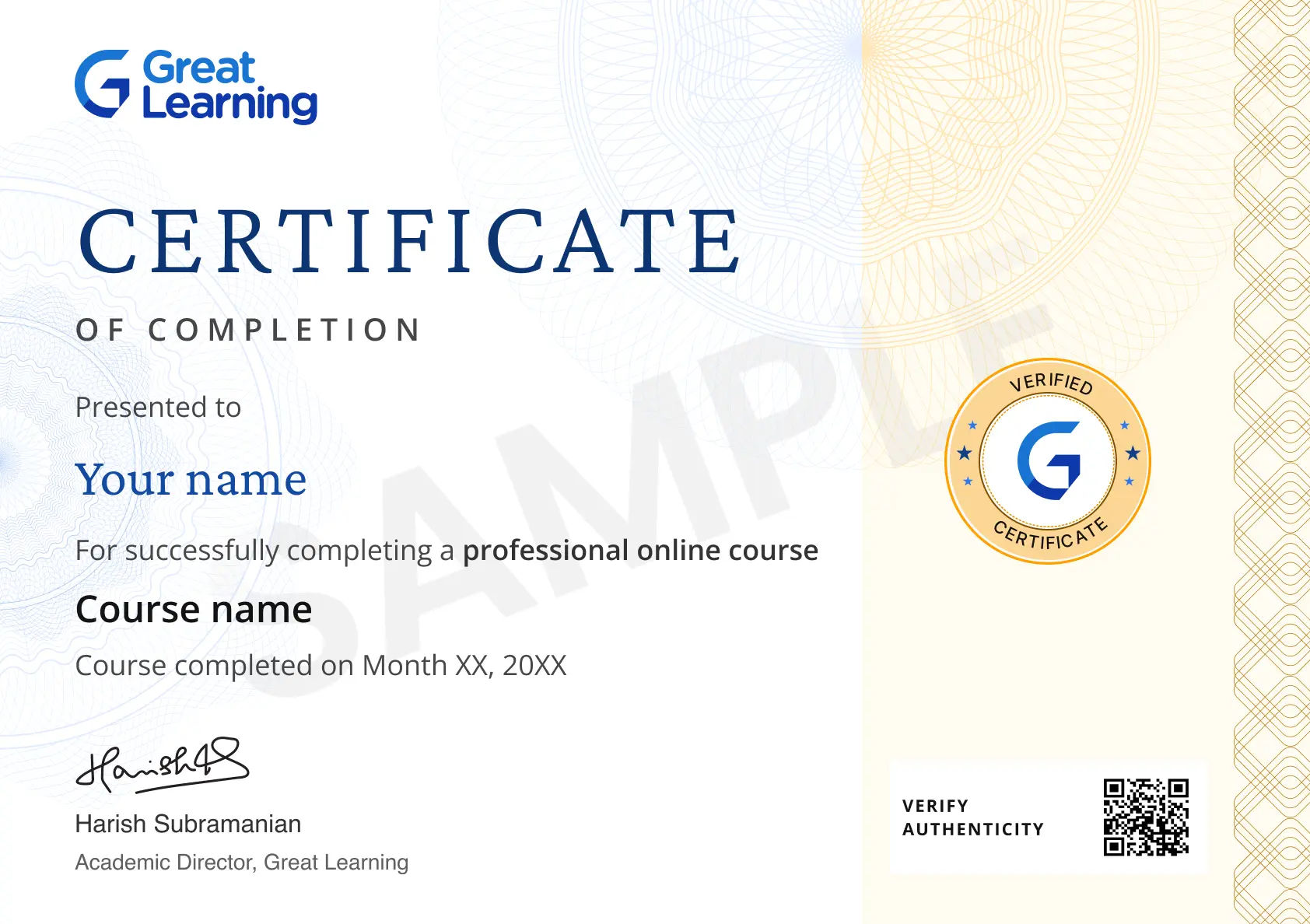
Yes, you will get a certificate of completion for Front End Development - CSS after completing all the modules and cracking the quiz/assessment. The quiz/assessment tests your knowledge of the subject and badges your skills.
What knowledge and skills will I gain upon completing this course?
You will gain the foundational knowledge of CSS Front End Development through this course, where you will get familiar with structuring several tools and techniques used to develop a frontend application and understand the functions, elements, and attributes that are used to develop a user-friendly interface.
How much does this Front End Development - CSS course cost?
It is a completely free course from Great Learning Academy. Anyone interested in learning Frontend Development with CSS and understanding the basics can get started with this course.
Is there any limit on how many times I can take this free course?
Once you enroll in the CSS Frontend Development course, you have lifetime access to it. So, you can log in anytime and learn it at your leisure.
Can I sign up for multiple courses from Great Learning Academy at the same time?
Yes, you can enroll in as many courses as you want from Great Learning Academy. There is no limit to the number of courses you can enroll in at once, but since the courses offered by Great Learning Academy are free, we suggest you learn one by one to get the best out of the subject.
Why choose Great Learning Academy for this free Front End Development - CSS course?
Great Learning is a global educational technology platform committed to developing skilled professionals. Great Learning Academy is a Great Learning project that provides free online courses to assist people in succeeding in their careers. Great Learning Academy's free online courses with certificates have helped over 4 million students from 140 countries. It's a one-stop destination for all of a student's needs.
This course is not only free and self-paced, but it also includes solved problems, demonstrated codes, and presented examples to help you comprehend the numerous areas that fall under the subject. The course is conducted by topic experts and carefully tailored to cater to beginners and professionals.
Who is eligible to take this course?
Anybody with basic knowledge of computer science and interested in learning frontend development with CSS and understanding its basics can take up the course. You only need to know the basics of HTML to learn this course, so enroll today and learn it for free online.
What are the steps to enroll in this Front End Development - CSS course?
To enroll in this course, you'll need to complete a few steps:
1. Click on the “ENROLL FOR FREE” button at the top of the page.
2. Create an account by filling out the necessary information.
3. Once you're enrolled, you'll have access to all of the course materials and can begin learning!




Recommended Free Front End Development courses
 FREE
FREE

.jpg "Course thumbnail image")
.jpg "Course thumbnail image")

Similar courses you might like

.jpg "Course thumbnail image")
Related IT & Software Courses

-

McCombs School of Business at The University of Texas at Austin
Post Graduate Program in Cyber Security20 weeks · Online
Know More